what are you looking for?
Popular Searches
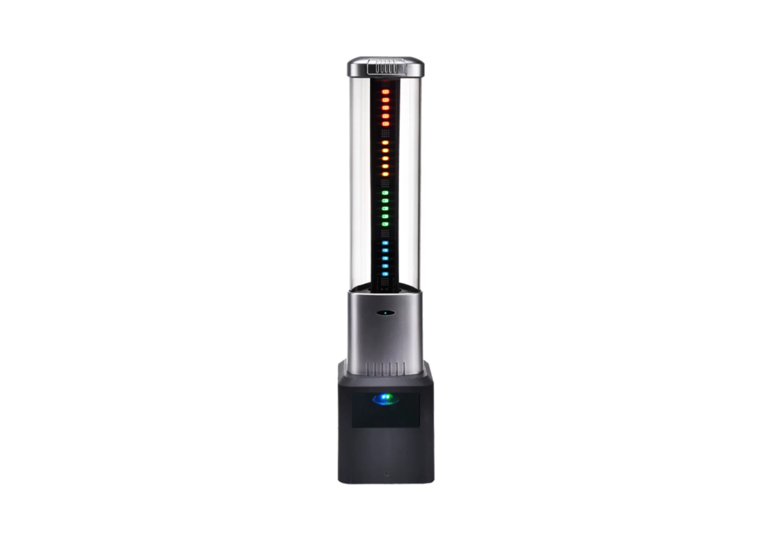
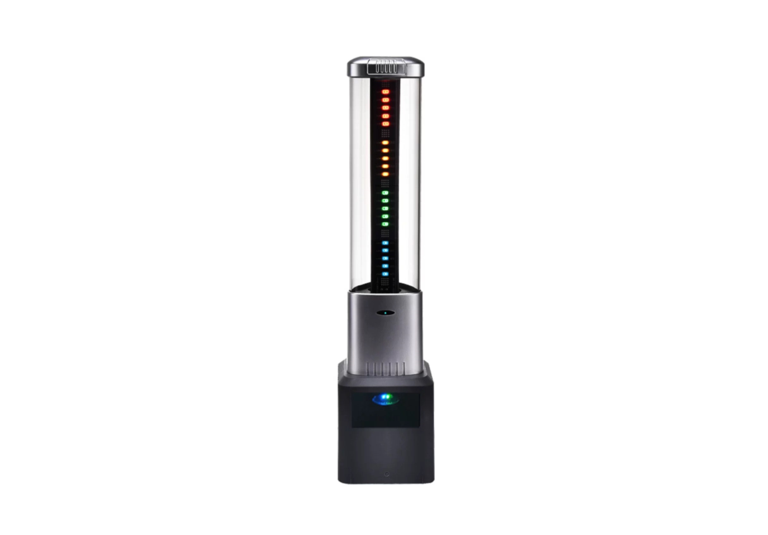


Strong Compatibility: Can directly replace the existing alarm lights of equipment or be connected in parallel with the signals of original alarm lights, eliminating the need for extensive equipment modifications with low adaptation costs. Intelligent Linkage: Built-in communication module; triggered immediately after DC24V electrical signal connection. When the light changes color, it synchronously sends multiple types of key messages (heartbeat, color change, counting) to the MQ service, enabling real-time status feedback. High Usability: No complex wiring or additional trigger device configuration required. Signal transmission can be linked immediately after power-on, featuring convenient deployment.
Learn More
 Mon ~ Fri: 9:00 ~ 19:00
 1402, Jingting Building, Guangming District, Shenzhen City, Guangdong Province, China
 zchen@equiinet.cn